facebook pixel
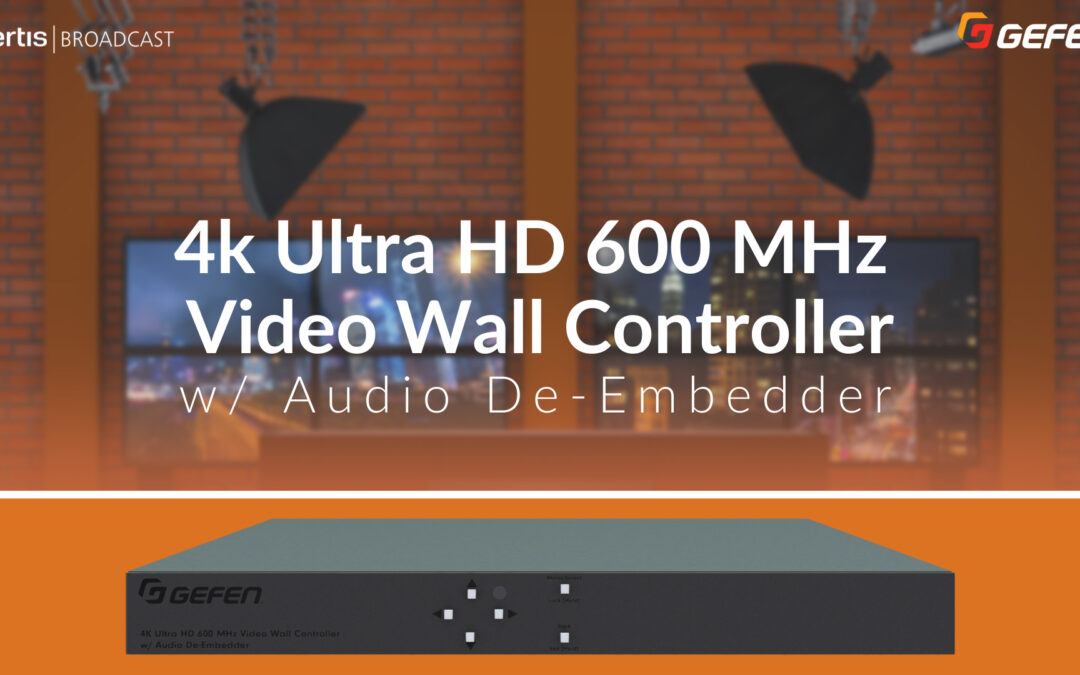
Create the ULTIMATE 4×4 Video Wall with the Gefen 4K VWC!

Create the ULTIMATE 4×4 Video Wall with the Gefen 4K VWC!

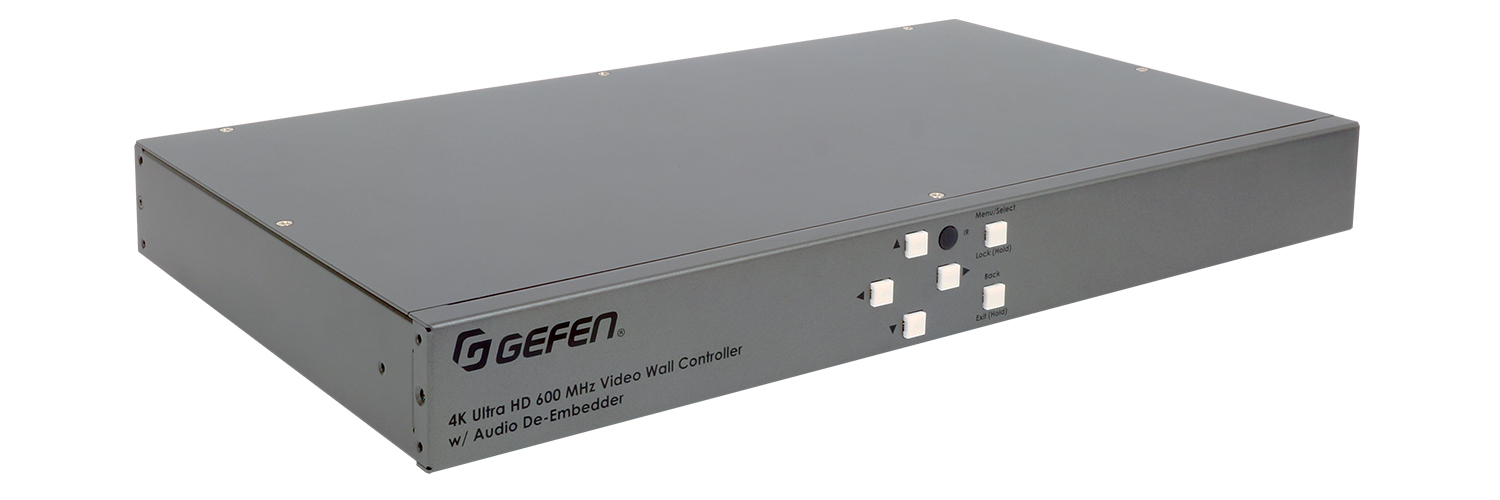
EXT-UHD600A-VWC-14 | Gefen’s 4K Ultra HD 600 MHz Video Wall Controller with Audio De-Embedder

In 1927, visionary French director, Abel Gance, wanted to put audiences right inside the action of his upcoming movie “Napoleon”. The method he devised to film the final sequence of “Napoleon” used three 35mm cameras, positioned side-by-side. The results were then projected in the theater by three side-by-side projectors. This triptych sequence was later called “Polyvision”, and it was MASSIVE. The equivalent of 16,000 pixels wide!

An image of that size was unlike anything the world had ever seen, but it had drawbacks. The largest of which was the issue of seams between the images. Plus, the need to perfectly align the cameras on set, as well as the projectors in the theater. Because of the added configuration and lack of theater compatibility, not long after the film was released, Gance was forced to removed the Polyvision portion of the movie and replace it with a more standard aspect ratio cut. However, the notion of making larger than life video presentations, remains to this day. In part, thanks to Gance’s innovation.
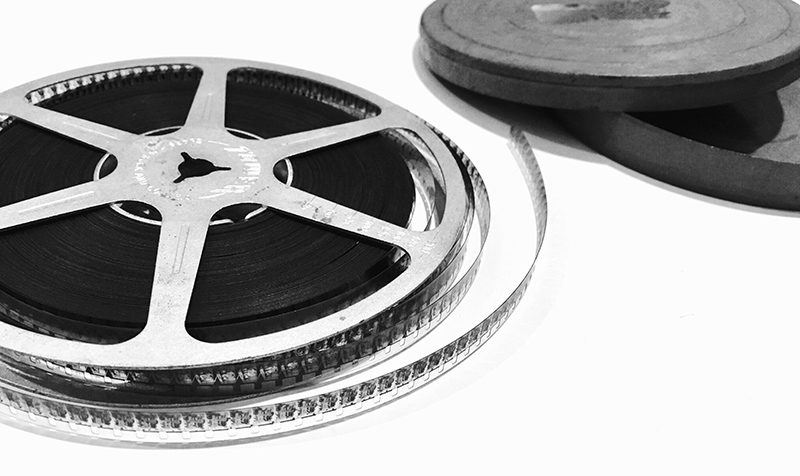
old film reels

Gefen was able to bring this century-old concept into the 21st century with the 4K Ultra HD 600 MHz 1×4 Video Wall Controller with Audio De-Embedder.

So, what does it do?

It allows you to split a 4K signal into 1080p signals (up to four) to make a much larger image across 4 displays. Simply plug in a digital signage player, like BrightSign, a media player, a decoder, or heck a good old-fashioned Mac or PC into the HDMI in of the 1×4, and then, plug in up to 4 displays to create one unified image, across all of the displays, that doesn’t lose visual fidelity.

Now, you might be asking yourself, why do this instead of buying a larger 4K display? The largest commercially available 4K televisions are usually about 2-3 grand for an 85 inch at the absolute largest (We’re excluding Samsung’s “the Wall”). Projectors don’t always play nice with poorly-lit spaces, and LED walls are great, but again are pricey and require very specific hardware to install. Instead, you can put four 40 inch, 55 inch, 65 inch, or even larger displays next to each other, and have your very own video wall that’s being fed with one video source.

To configure your video wall, use the buttons on the front panel of Gefen’s VWC to tweak each display. Alternatively, you can sign into the 1×4’s web client for even easier management. Choose whatever kind of display configuration you want – even a custom one if you need it! Bezel compensation, global rotation, and color correction is all handled on the 1×4. De-embed the audio that’s in your screen content and pipe it out of the built in RCA jacks into an outboard DSP or mixer to play through an audio system. It’s all easily handled on the 1×4.

To push the 1×4 even further, you can actually show 4 different images or videos at the same time, with a little bit of preparation. Remember, all the 1×4 is doing is taking a 3480×2160 image and cutting it into 4 equal quadrants. Try this. Open up Adobe After Effects or Premiere, or any NLE for that matter. Make a new 2160p sequence, and align your 4 designs or videos into each of the 4 quadrants of the sequence. This process can be done in a myriad of ways, but now you have individual control over all 4 displays, and you can always switch back to treating all four displays like one whenever you want. Just put full screen content above the per monitor content in your editor and voila, you’re back to the Gefen’s intended use case.

USE CASES

The Gefen 1×4 has tons of potential use cases. (This is where it gets fun.) Obviously, this solution would work great in a conference or board room as your main display. Combat poor lighting, power and structural restraints by mounting 4 TVs in a quad configuration, and then, plug in a video conferencing or collaboration solution into the HDMI IN, and you’re ready to wow everyone in the room.

Use VWCs on a virtual production set to drive window-like background displays (New York stock footage not included). Use one in a restaurant or kiosk to display menus and promo videos. Use them to display branded signage at an expo booth to show schedules right along side product highlights and sponsored content. Speaking of Expo Booths… Connect 1 Gefen 1×4 to large displays in a cube configuration to create a completely immersive experience for anyone who steps inside it. The possibilities are only limited by your creativity.

The 4K Ultra HD 1×4 is an incredible device for visionaries looking to channel their inner Gance and push the limits of what’s traditionally thought as possible for displaying content. Expand not only the size of your content, but how it’s percieved by your clients and customers. So get out there and design your next visual masterpiece with the Gefen 1×4!

Gefen
Gefen Video Wall Controller

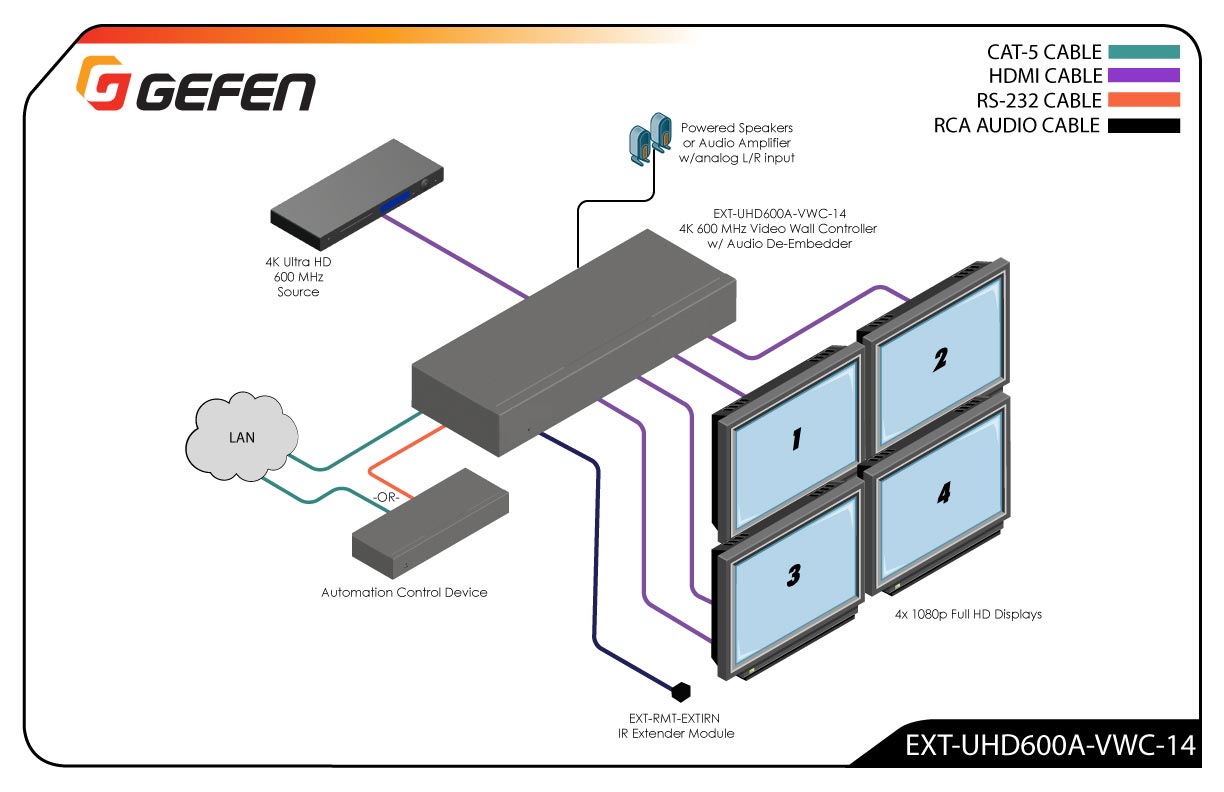
VWC DIAGRAM
Click image to enlarge.

Gefen VWC diagram

This Video Wall Controller creates a picture on any combination of up to four Hi-Def displays.

The Gefen 4K Ultra HD 600 MHz Video Wall Controller is the perfect solution for entertainment and digital signage applications in retail outlets, clubs, trade shows, control centers, building lobbies, and other venues where a large, high quality 4K picture is required. It accepts a single 4K 60 Hz 4:4:4 (18 Gbps, 600 MHz TMDS clock) HDCP 2.2 or 1.4 compliant HDMI source, and using its advanced video processing technology divides the picture pixel by pixel and without any extrapolation or approximation, over four equally-sized 1080p Full HD displays. It can also create multiple display configurations using predefined row or column layouts, up to a maximum of four displays installed in vertical or horizontal orientation, or allow complete customization of how the input is cropped and outputted to each screen.

The picture on each display can also be rotated in 90 degree increments, individually or simultaneously….

MORE INFO? SEE THE DATASHEET

EBP: NewTek Innovations for City Gov with Special Guest!

EBP: NewTek Innovations for City Gov with Special Guest!

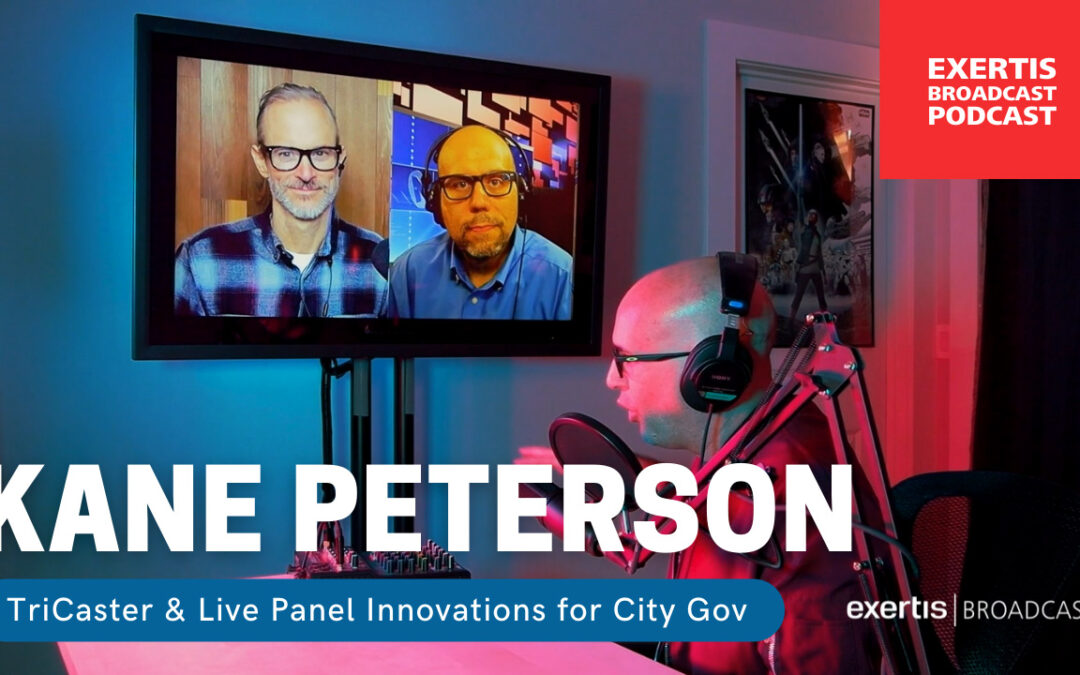
Exertis Broadcast Podcast with NewTek’s Kane Peterson! TriCaster® & Live Panel™ Innovations for City Government

This episode of the Exertis Broadcast Podcast (EBP) features Solutions for City Council using NewTek’s TriCaster® & Live Panel™ — with special guest Kane Peterson, Solutions Architect at NewTek. Kane joins us virtually from Chicago, and Rick Puleo, Sales & Applications Engineer at Exertis Broadcast, joins virtually from Washington state. Listen in on the lively discussion with Exertis Broadcast’s Nicholas Smith, VP of Technology and Jordan Friday, Sr. Content Producer are in the Northern California studio.
NewTek logo
Vimeo livestream to facebook
Why Use a TriCaster for City Council or Local Government?
  • Potentially Limitless sources
  • Ease of use (control Interfaces)
  • IP inputs (teams, Skype, Zoom)
  • Native NDI
  • Automation/Camera Control
  • Simple
  • Customization
What Should Be Considered When Choosing TriCaster?
  • Cameras types and placement
  • Number of council members or seats
  • Other sources of content
  • Video Destination? TV Stations,Web/On-demand
  • Who is running the TriCaster?
  • Who is running the agenda?
TC City Council cover

TRICASTER LOCAL GOV CONSIDERATIONS
Click image to download PDF

NewTek TriCaster connects with all sorts of gear such as those dicusssed in the podcast. Check out the Cinedeck + LivePanel tutorial – HERE.

TriCaster TC410 Plus customized workflow
NewTek TriCaster® TC410 Plus

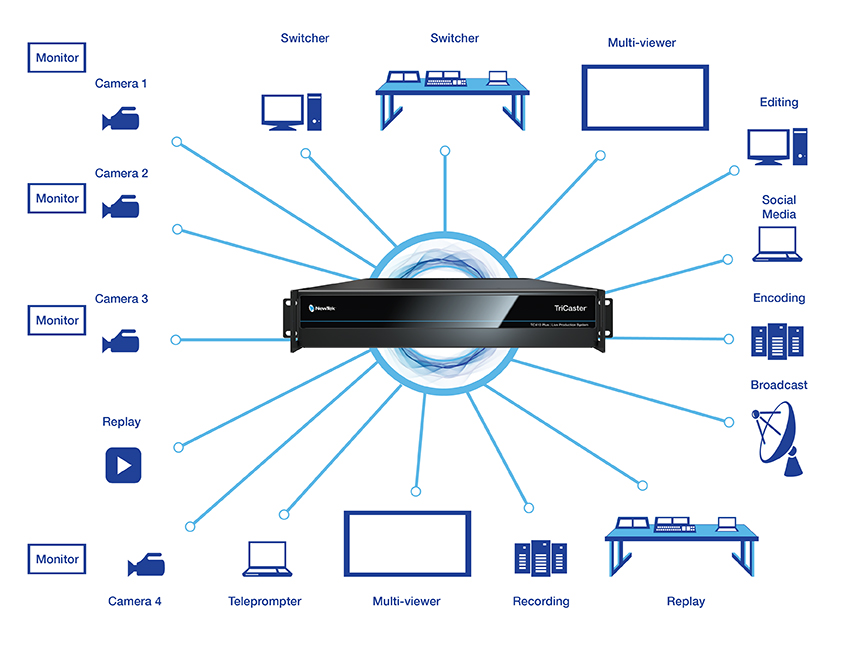
TriCaster® TC410 Plus is an integrated video production system designed to create multi-platform productions live and on-demand. Your shows will be polished, engaging to viewers through social and second-screen experiences, deliver revenue opportunities, and extend your brand.

NewTek LivePanel™

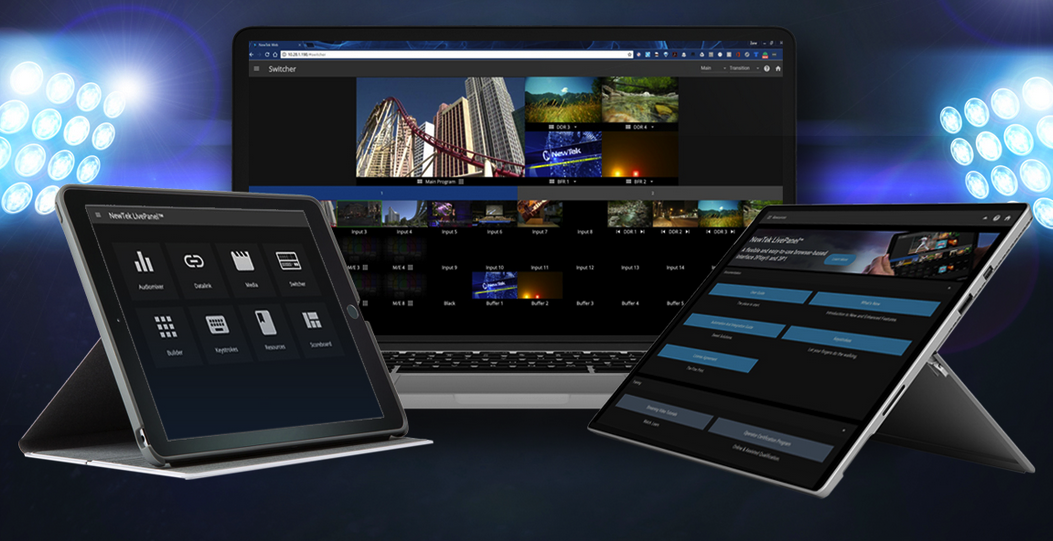
LivePanel is a flexible and easy-to-use browser-based interface for TriCaster® TC1,TriCaster® TC410 Plus, TriCaster® 2 Elite, TC Mini 4K, VMC, and 3Play® 3P1 that makes it easier for more people to have control of the live production process.

NewTek LivePanel UI
Add-Ons for Local Gov
AGENDA MANAGEMENT

Cloud Driven Solutions creates meeting and agenda management solutions that grow and expand with your needs. They are easy to deploy while being functionally intelligent.

With AgendaLink and AgendaLink Solo, your meeting needs are covered from start to finish including in room audio / video controls.

LIVE RECORDING

Cinedeck multi-channel recorders make multi-cam productions faster and smoother. We continue to design features with workflow flexibility in mind.

Our recorders support SDI, NDI, SRT and IP sources recording to a wide variety or codecs, wrappers, formats, and resolutions.

Vimeo Enterprise Channel Introduction

Vimeo Enterprise Channel Introduction

Vimeo Enterprise is the System Integrator’s Video Conference Upgrade Solution.

The AV and Broadcast industries have a common theme – Communication.
If you’re an AV integrator, you’re building and maintaining complex systems that allow people to communicate their thoughts and ideas. Whether it’s the Projection system or the Audio systems or the Video production system – System Integrators are enabling better, more efficient communication every single day. From Boardrooms where decisions and roadmaps are being defined, to Conference rooms where new ideas are being explored, and Auditoriums that provide a platform for those concepts to be shared with the masses.
Vimeo livestream to facebook
Vimeo logo

Why not offer your clients a platform to take their communication and messaging out of the building, and into the world? Go beyond the normal video conferencing platforms and provide a solution that lets clients’ engage their audience with live video as well as on demand content, to ensure their message is received anytime, anyplace, on any device. 

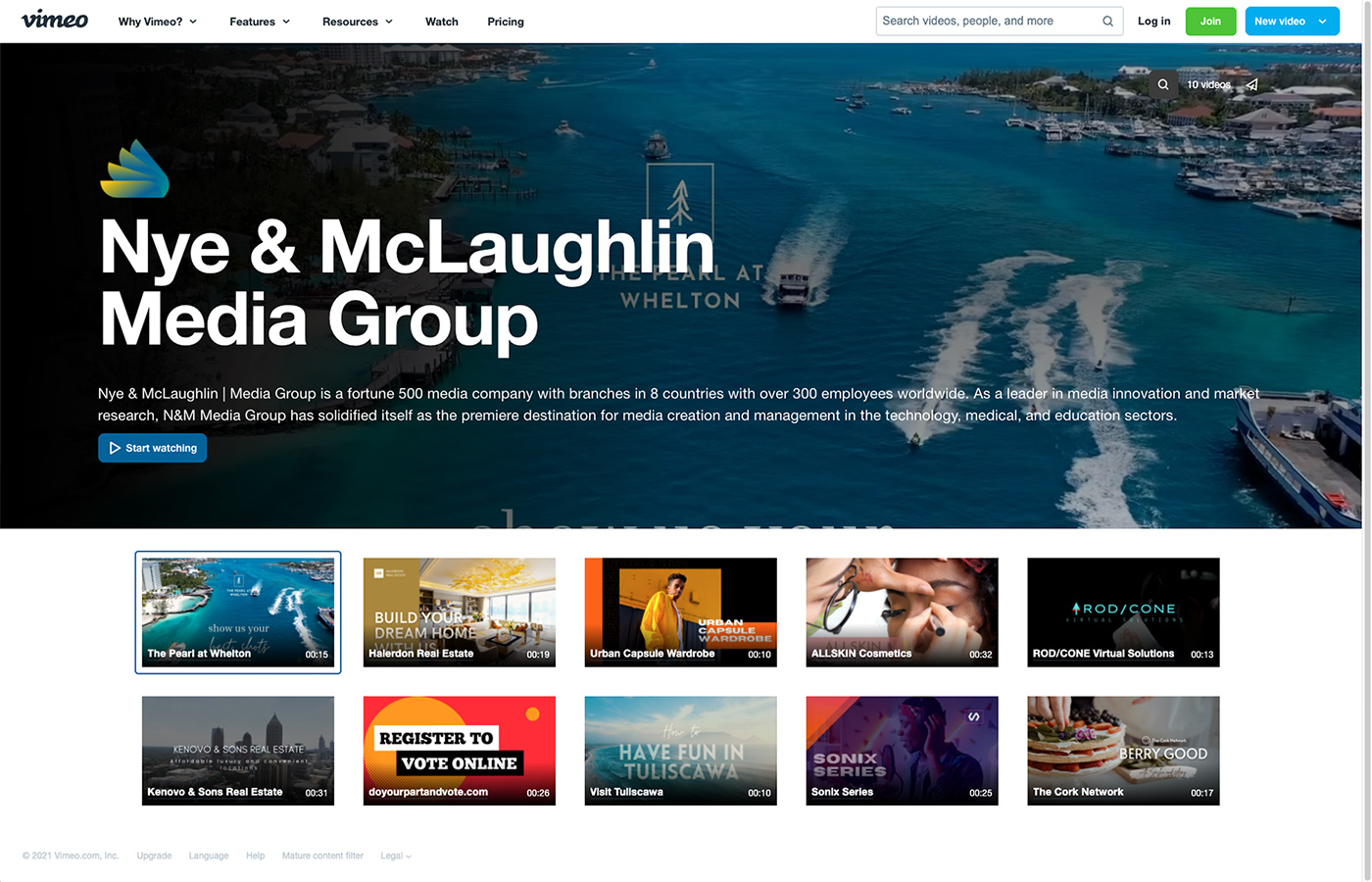
This is Vimeo Enterprise. You may know Vimeo as the platform your church streams on, or maybe you recognize it from that video link someone sent you once – but you might not know Vimeo Enterprise. Vimeo Enterprise empowers your clients with tools to take communication further. It provides analytics so that they know what content is being watched, and security features, like SSO integration, so that they know who is watching. Vimeo offers management tools so that users can put live events right alongside the on-demand content and ensure their audience gets the information they need in the right time. 

Vimeo Enterprise - corporate mockup

Enterprise Showcase Mockup

Vimeo’s live events are perfect for those of you offering Production packages from NewTek, Black Magic, Ross and Data Video, and just about any production suite. With Vimeo, you can upgrade these virtual events to offer live polling, Q&A, and full audience chat. You might not even need a dedicated camera setup because with Vimeo Enterprise users can turn their computer screen or webcam into a live event – making sharing content so easy even the CEO can do it.

With all these features, you are probably wondering why we are telling you and not your clients. Most cloud platforms are sold direct online to the users. However, Vimeo recognizes the important role you, the system integrator, has in all the technology that connects their platform to the actual users in the field. Vimeo has a channel plan that allows dealers and systems integrators to offer the Enterprise platform to your clients and a sales team that will help close the deal. Vimeo’s team will help the client setup and use the platform; ensuring all parties get the best experience.

So, take the plunge and help your clients unlock the power of video. Bring the Vimeo team in for a meeting, or a demo, and discover how, together, you can create the ultimate media experience for your clients.

Contact your Exertis Broadcast Team members to book a meeting right away and get your deal registered!

NewTek TriCaster Pro Add-Ons

NewTek TriCaster Pro Add-Ons

NewTek TriCaster® | Expert Recommended Add-Ons for a Truly Professional Production Experience

NewTek logo

TRICASTER
ADD-ONS SHEET

Click image below to download slides PDF

NewTek TriCAster Add-ons 1
newtek virtual sets
NewTek shared storage

FEATURED TRICASTER ADD-ONS

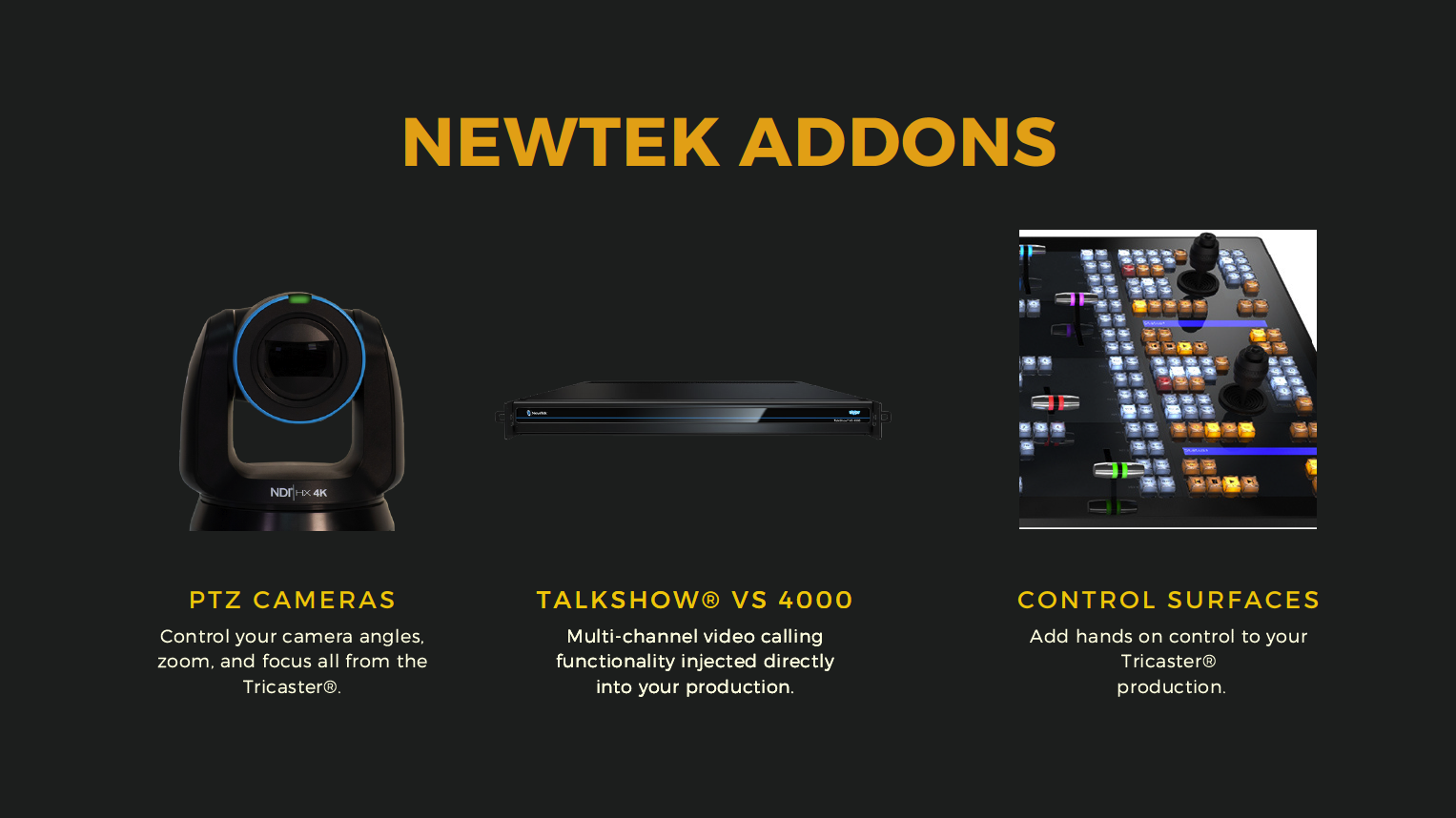
PTZ CAMERAS

Control your camera angles, zoom, and focus all from the TriCaster®.

Talkshow® VS 4000

Multi-channel video calling functionality injected directly into your production.

Control Surfaces

Add hands-on control to your TriCaster production.

NC2 I/O Module

Versatile functionality ranging from NDI, SDI to IP video conversion by I/O channel expansion, to 4K UHD connectivity and IP interoperability.

Spark

Encode any HDMI or SDI source as an NDI® signal, and feed it directly into your production.

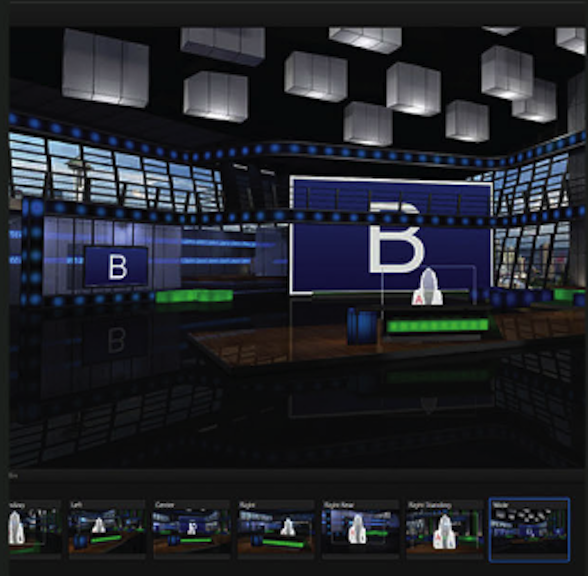
Virtual Set Editor

Design and implement 360° sets for your chroma key focused productions.

3Play® Family

Capture, replay, and telestrate up to 8 concurrent streams of video.

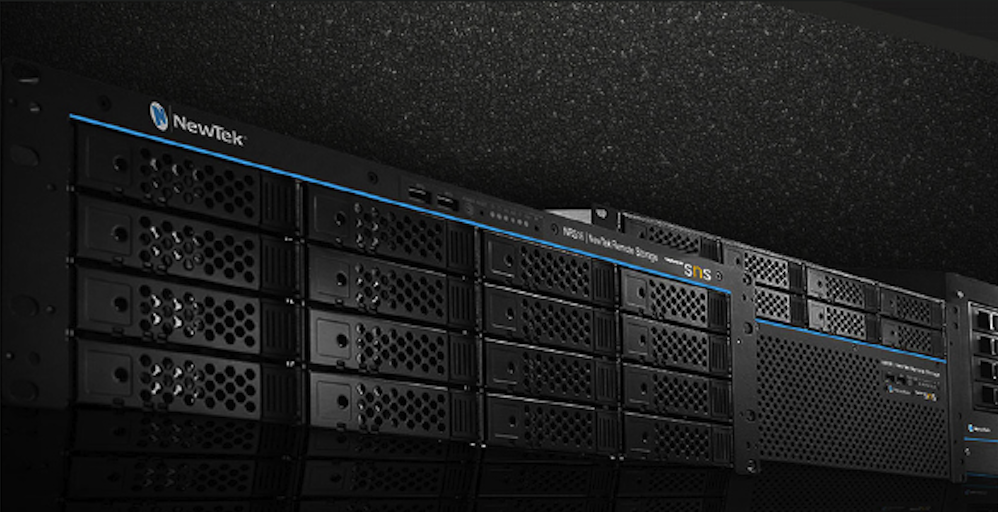
NewTek Remote Storage

Record to and store your video on high-performance media, powered by SNS.

In case you missed the previous episode of the Exertis Broadcast podcast on Choosing the right TriCaster for your needs – Watch it now!

Choosing a NewTek TriCaster

Choosing a NewTek TriCaster

NewTek TriCaster® | The Most Complete Video Production Systems on the Planet

NewTek logo

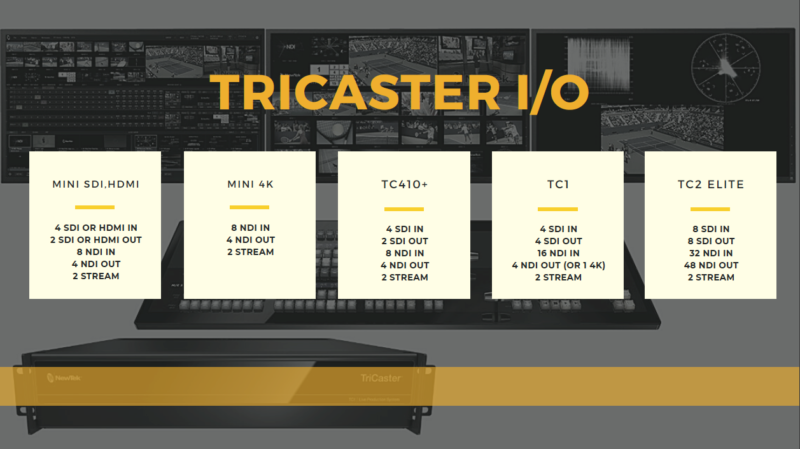
TRICASTER CHEAT SHEET
Click image to download slides PDF

TriCaster cheat sheet cvr

THERE IS A TRICASTER FOR EVERY PRODUCTION

Powerful and affordable tools. Help tell your story…beautifully. NewTek TriCaster systems put an entire suite of media production capabilities at your fingertips. You can make anything from keynote presentations and webcasts to online training and sporting events look amazing with quality, consistency and efficiency.

Which TriCaster is Right for You?

Epiphan | Pearl-2 All-in-One Live Production

Epiphan | Pearl-2 All-in-One Live Production

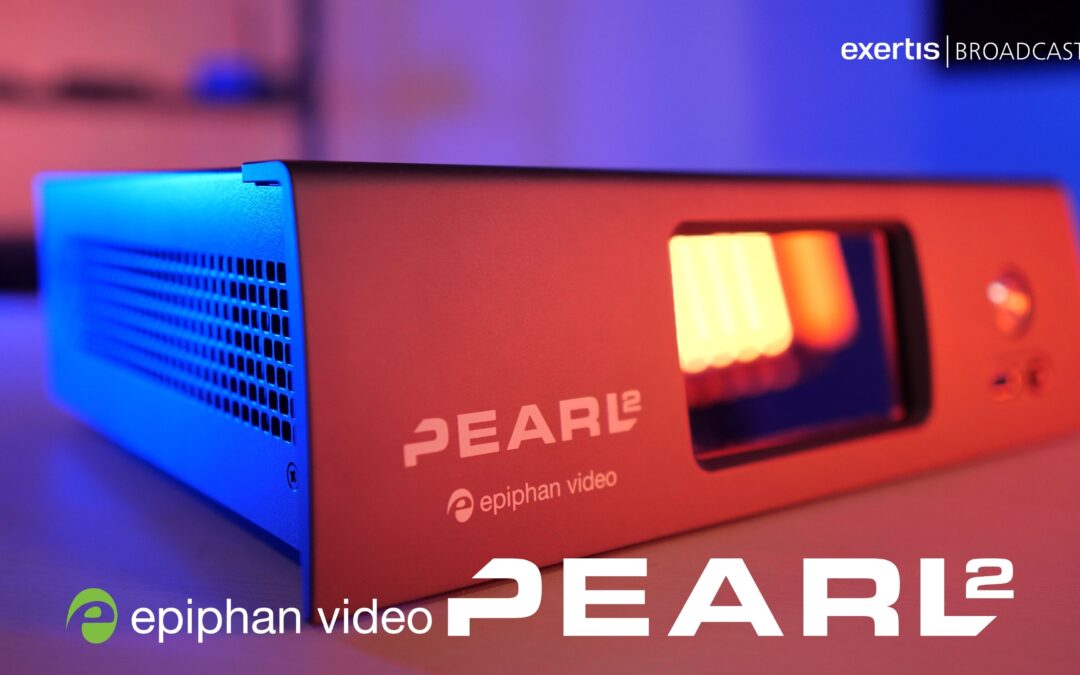
Epiphan Pearl-2: The ultimate all-in-one live video production system.

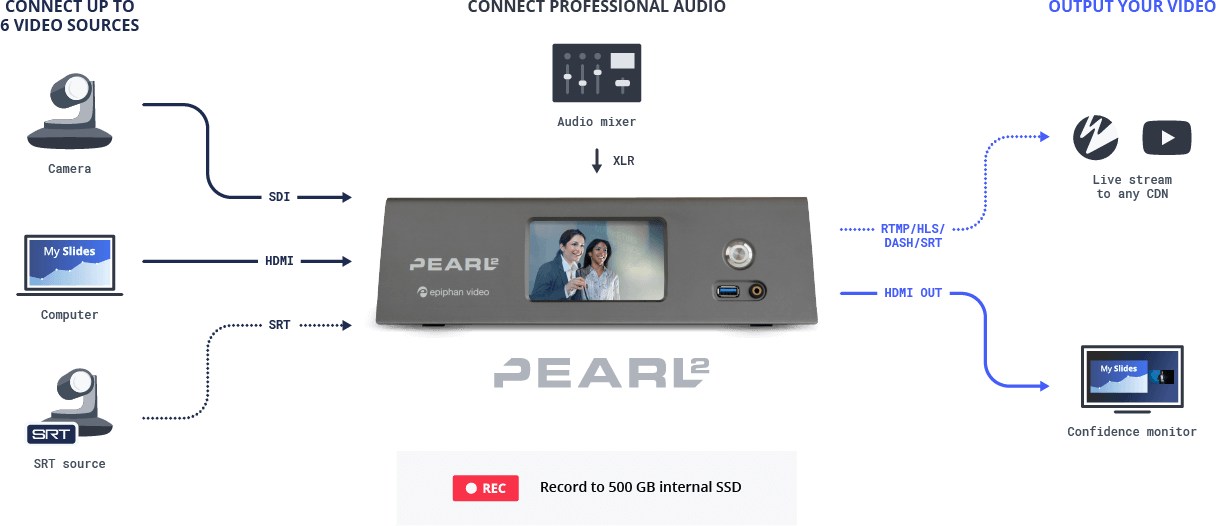
Pearl-2 is a video switcher, recorder, streamer, splitter, and scaler in one. With six video inputs, 4K streaming and recording, XLR professional audio, NDI support, chroma keying, and more, Pearl-2 offers pro features and processing power to suit any application.

Epiphan Video logo
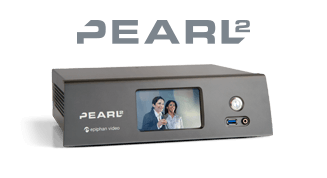
Pearl-2 video production system
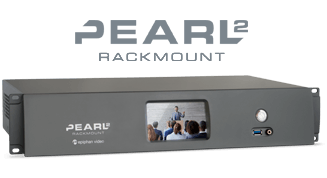
Pearl-2 rackmount video production system

The Problem to Solve?

High-Performance Hardware for High-Stakes Productions
A lot can go wrong during a video production. For mission-critical, high-stakes, reliable hardware is a must. This is especially true in the world of live events, where there are no do-overs.

What’s the Solution?

A Purpose-Built Solution
Pearl-2 offers superior performance and reliability compared to a software encoder setup with purpose-built hardware and an OS that’s fine-tuned for video production – all rigorously tested for long-term reliability.

Pearl-2 diagram

Technologies Involved

Multiple Built-in Inputs
With six built-in video inputs (HDMI and SDI), you can connect just about anything to Pearl-2 – cameras, computers, imaging equipment, and more. Pearl-2 also features four inputs for XLR professional audio, letting you connect professional-grade equipment for crystal-clear sound.

SRT Encoding and Decoding
Pearl-2 supports the Secure Reliable Transport (SRT) protocol, which uses the latest in live streaming technology to keep productions looking great. Add a remote guest or contributor over SRT to bring professional quality sources into your Pearl-powered productions.

Key Features of the Technologies?

Control and Monitor in the Cloud
Epiphan Cloud centralizes the configuration and monitoring of multiple Pearl-2 systems and any other Epiphan hardware you own. Remotely log in to and manage Epiphan devices with a host of time-saving features and tools.

4K Recording
Harness the power of Pearl-2 to capture stunning 4K video at 30 fps. Pearl-2’s hardware-accelerated encoder provides flawless H.264 encoding for maximum compatibility and performance with any video portal or player.