facebook pixel
Tutorial: Cinedeck + NewTek LivePanel

Tutorial: Cinedeck + NewTek LivePanel

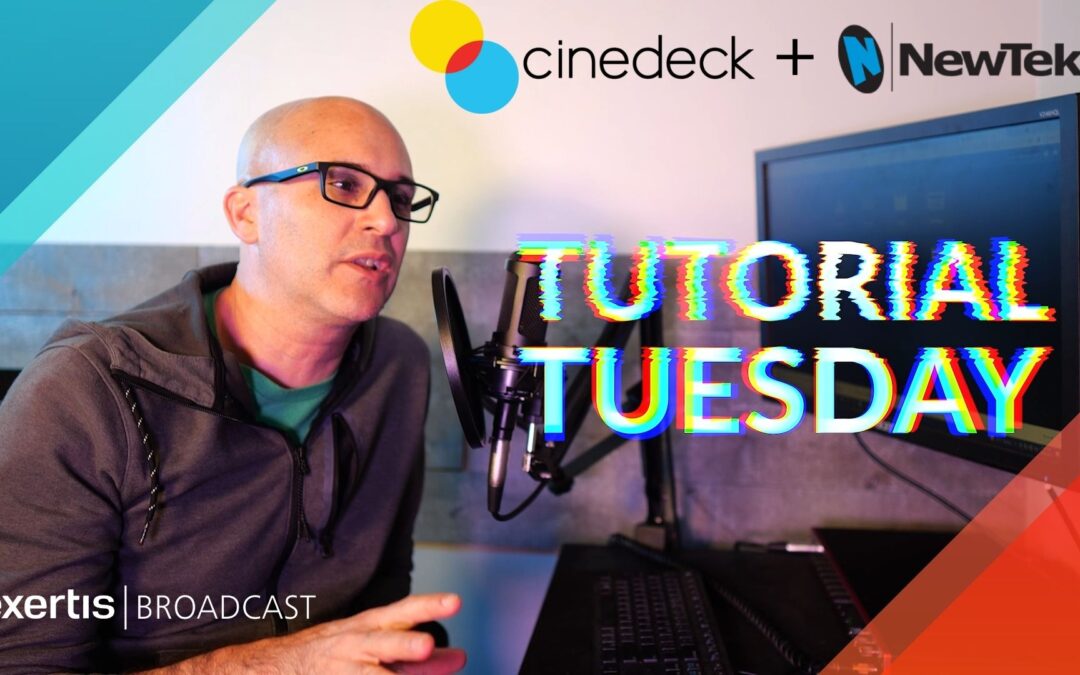
Tutorial Tuesday: Expand Recording Capabilities with Cinedeck + NewTek Live Panel™

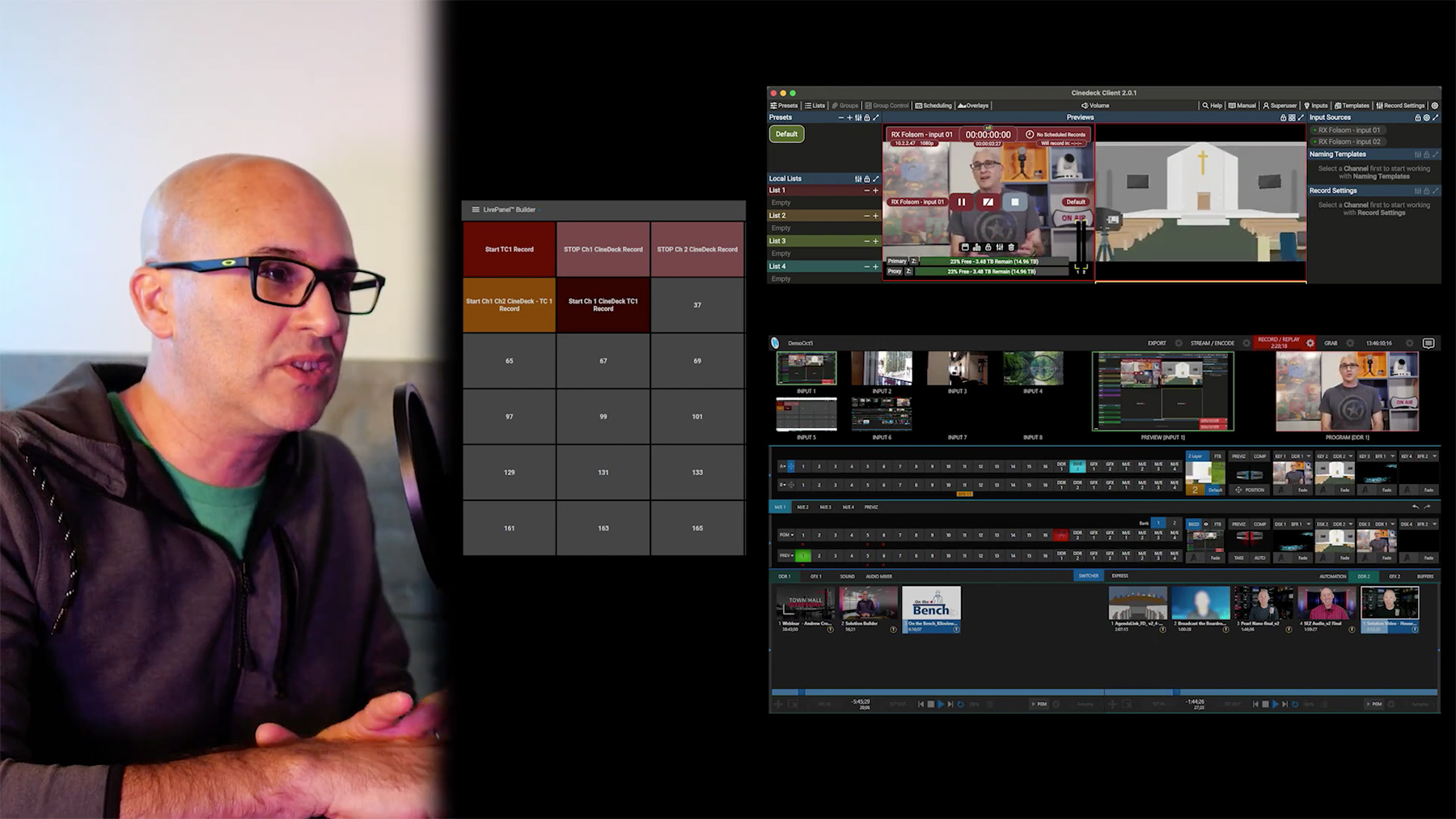
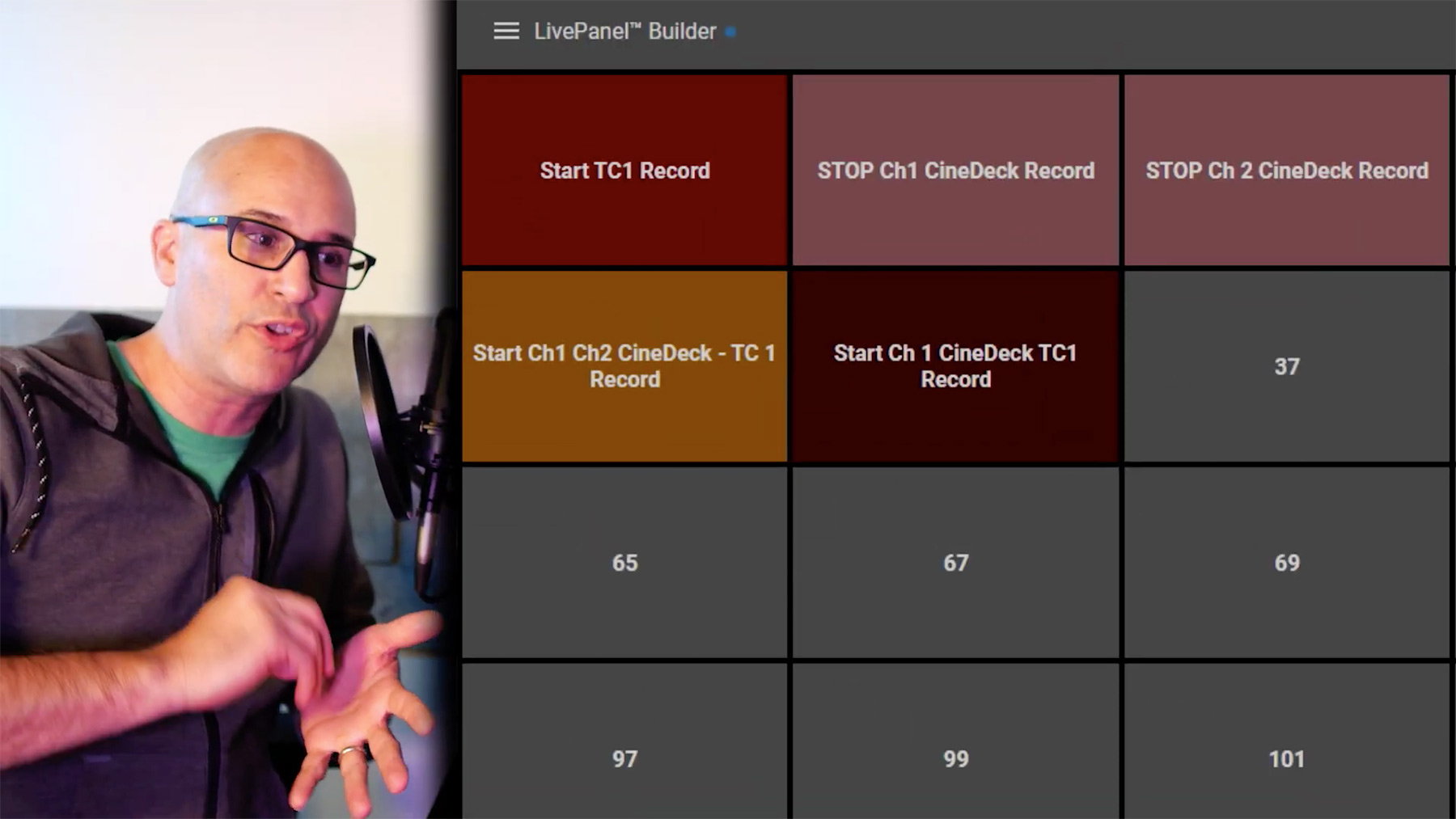
Integrate your TriCaster with the tools you use everyday, and automate activities with macros to make your workflows easier than ever. This tutorial focuses on using LivePanel™ to connect to the Cinedeck LX recorder via NDI so you can record in various codecs.
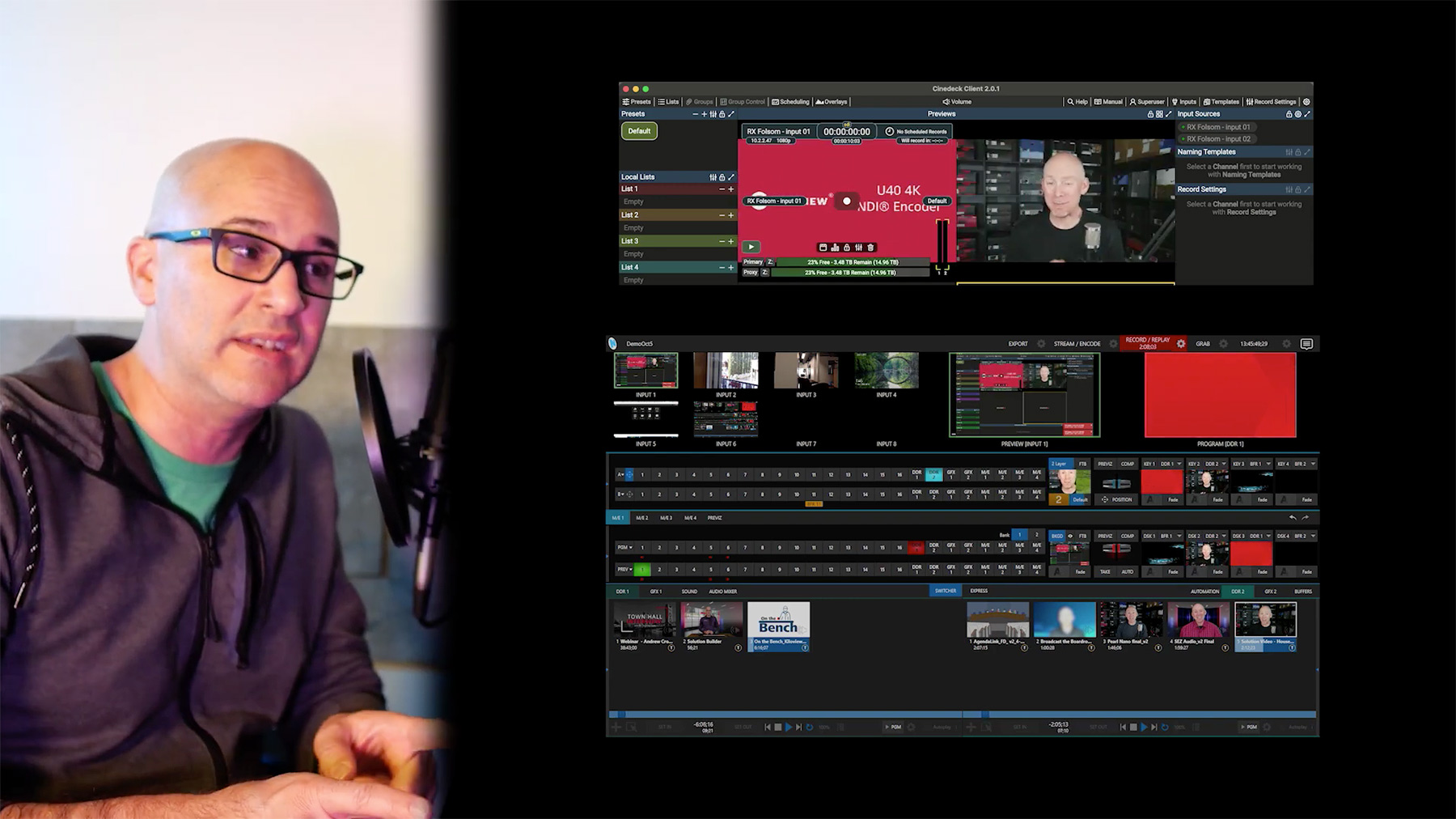
Cinedeck UI tutorial
Cinedeck ui NewTek LivePanel ui tutorial
NewTek LivePanel ui tutorial
NewTek logo
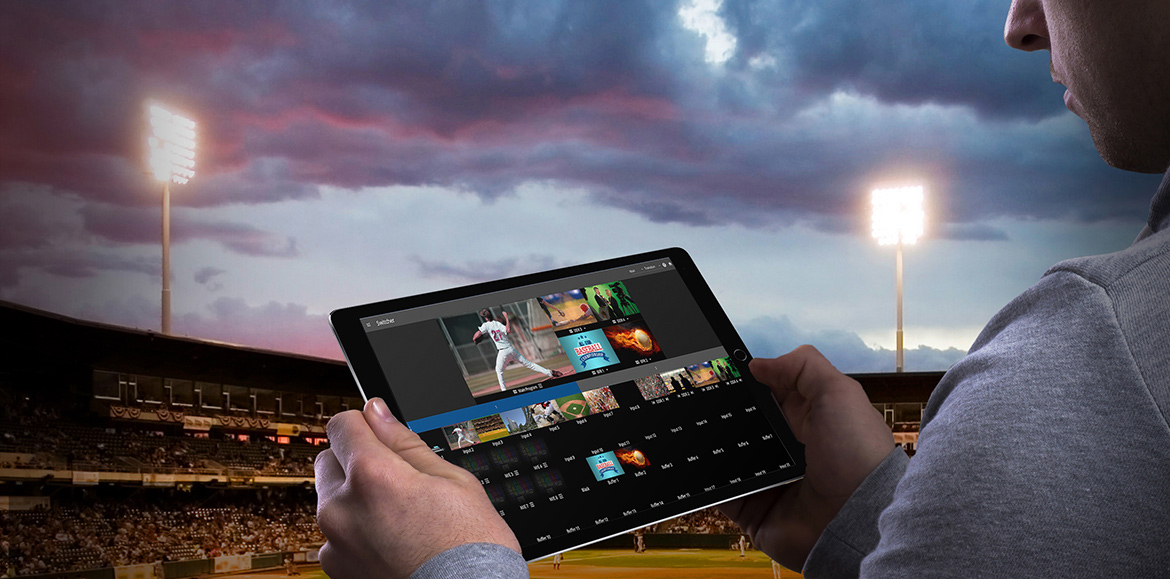
NEWTEK LivePanel™ allows you to extend control of your live video operations to everyday devices, remotely accessing your NewTek production systems from your laptop, tablet, or smartphone..
NewTek LivePanel hero
Cinedeck logo

CINEDECK multi-channel recorders make multi-cam productions faster and smoother. We continue to design features with workflow flexibility in mind.
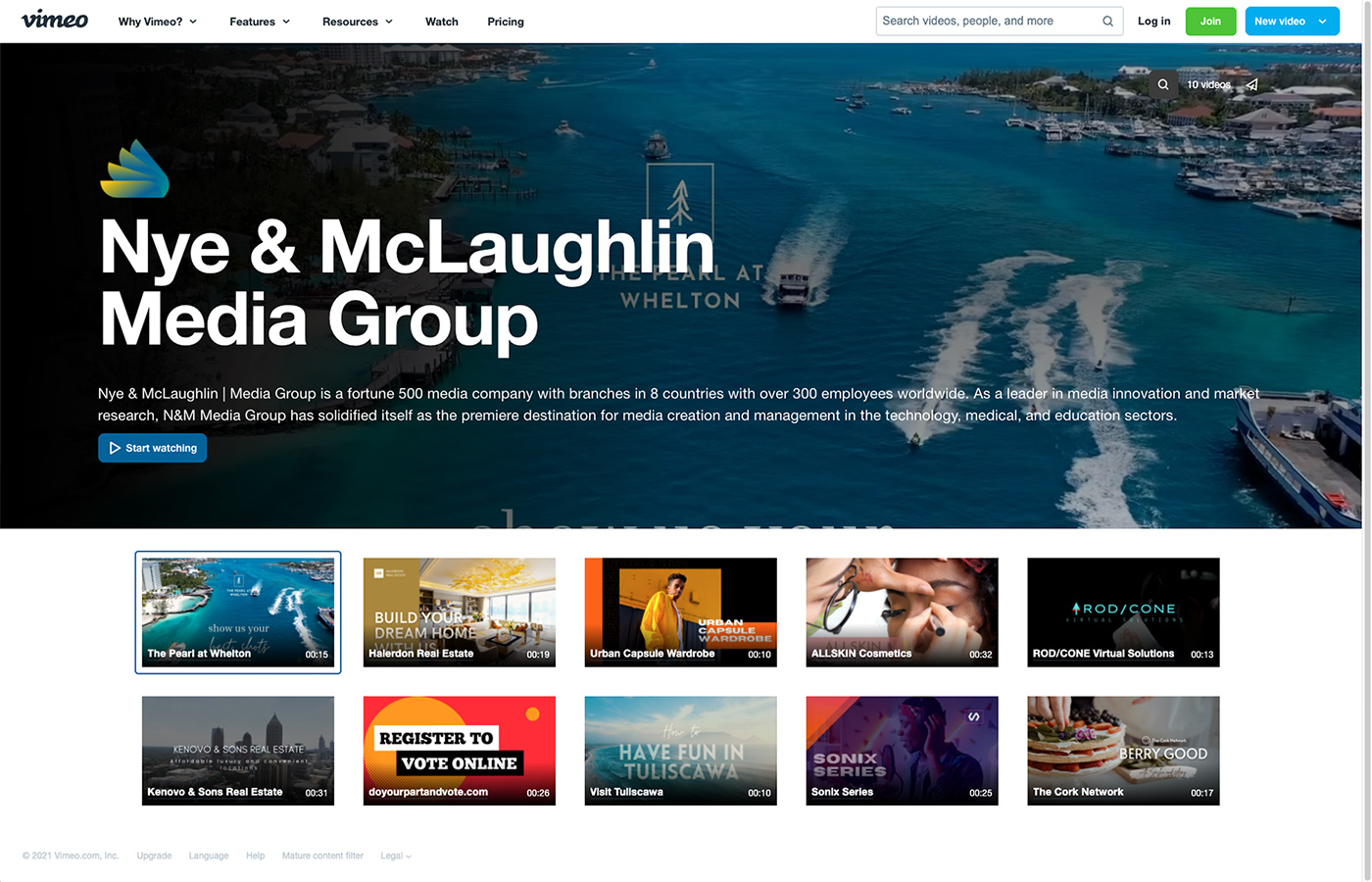
Vimeo Enterprise Channel Introduction

Vimeo Enterprise Channel Introduction

Vimeo Enterprise is the System Integrator’s Video Conference Upgrade Solution.

The AV and Broadcast industries have a common theme – Communication.
If you’re an AV integrator, you’re building and maintaining complex systems that allow people to communicate their thoughts and ideas. Whether it’s the Projection system or the Audio systems or the Video production system – System Integrators are enabling better, more efficient communication every single day. From Boardrooms where decisions and roadmaps are being defined, to Conference rooms where new ideas are being explored, and Auditoriums that provide a platform for those concepts to be shared with the masses.
Vimeo livestream to facebook
Vimeo logo

Why not offer your clients a platform to take their communication and messaging out of the building, and into the world? Go beyond the normal video conferencing platforms and provide a solution that lets clients’ engage their audience with live video as well as on demand content, to ensure their message is received anytime, anyplace, on any device. 

This is Vimeo Enterprise. You may know Vimeo as the platform your church streams on, or maybe you recognize it from that video link someone sent you once – but you might not know Vimeo Enterprise. Vimeo Enterprise empowers your clients with tools to take communication further. It provides analytics so that they know what content is being watched, and security features, like SSO integration, so that they know who is watching. Vimeo offers management tools so that users can put live events right alongside the on-demand content and ensure their audience gets the information they need in the right time. 

Vimeo Enterprise - corporate mockup

Enterprise Showcase Mockup

Vimeo’s live events are perfect for those of you offering Production packages from NewTek, Black Magic, Ross and Data Video, and just about any production suite. With Vimeo, you can upgrade these virtual events to offer live polling, Q&A, and full audience chat. You might not even need a dedicated camera setup because with Vimeo Enterprise users can turn their computer screen or webcam into a live event – making sharing content so easy even the CEO can do it.

With all these features, you are probably wondering why we are telling you and not your clients. Most cloud platforms are sold direct online to the users. However, Vimeo recognizes the important role you, the system integrator, has in all the technology that connects their platform to the actual users in the field. Vimeo has a channel plan that allows dealers and systems integrators to offer the Enterprise platform to your clients and a sales team that will help close the deal. Vimeo’s team will help the client setup and use the platform; ensuring all parties get the best experience.

So, take the plunge and help your clients unlock the power of video. Bring the Vimeo team in for a meeting, or a demo, and discover how, together, you can create the ultimate media experience for your clients.

Contact your Exertis Broadcast Team members to book a meeting right away and get your deal registered!

NewTek TriCaster Pro Add-Ons

NewTek TriCaster Pro Add-Ons

NewTek TriCaster® | Expert Recommended Add-Ons for a Truly Professional Production Experience

NewTek logo

TRICASTER
ADD-ONS SHEET

Click image below to download slides PDF

NewTek TriCAster Add-ons 1
newtek virtual sets
NewTek shared storage

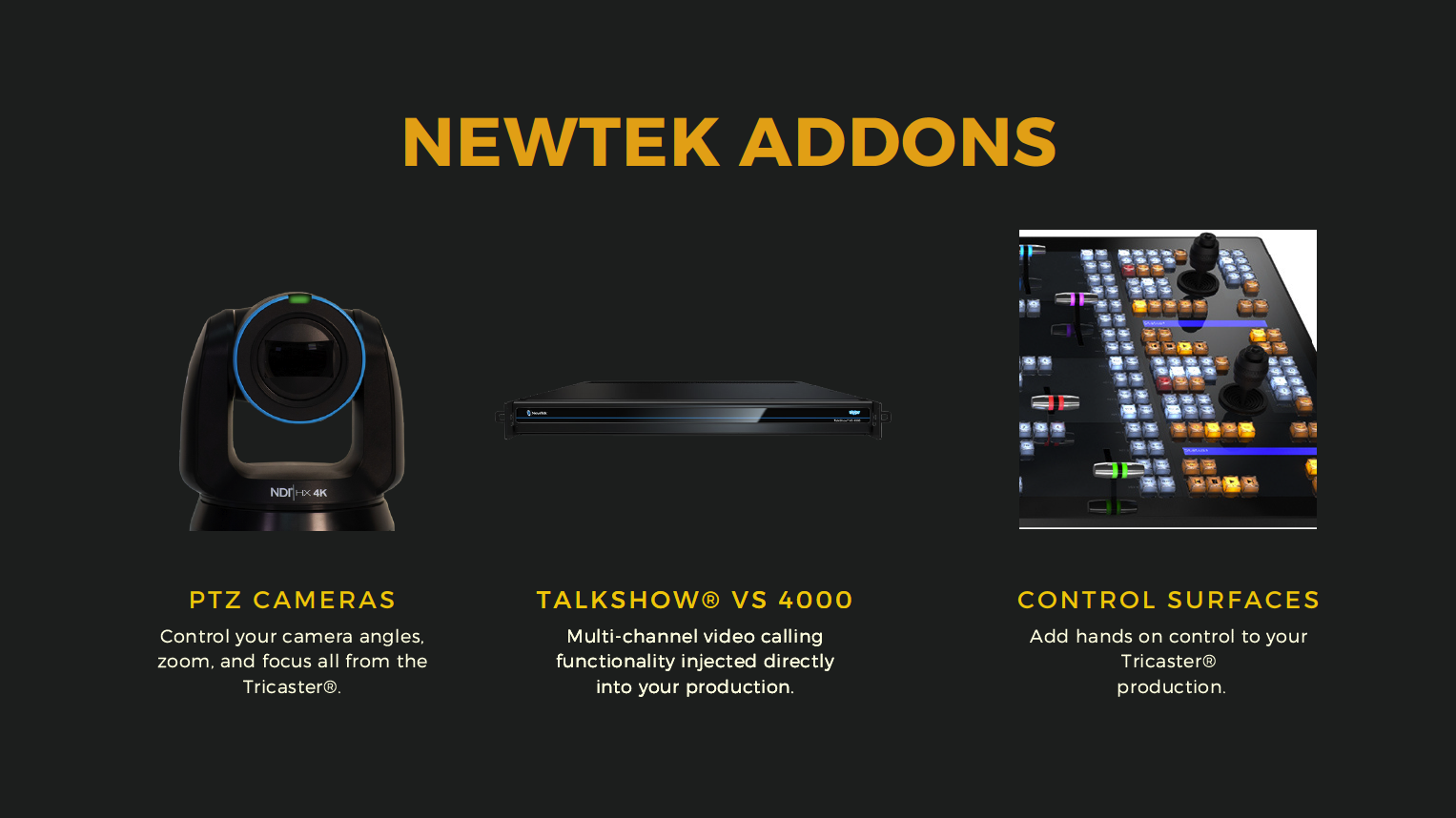
FEATURED TRICASTER ADD-ONS

PTZ CAMERAS

Control your camera angles, zoom, and focus all from the TriCaster®.

Talkshow® VS 4000

Multi-channel video calling functionality injected directly into your production.

Control Surfaces

Add hands-on control to your TriCaster production.

NC2 I/O Module

Versatile functionality ranging from NDI, SDI to IP video conversion by I/O channel expansion, to 4K UHD connectivity and IP interoperability.

Spark

Encode any HDMI or SDI source as an NDI® signal, and feed it directly into your production.

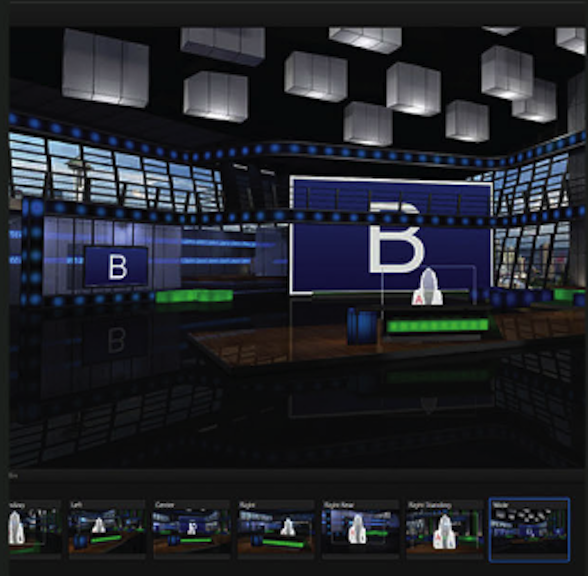
Virtual Set Editor

Design and implement 360° sets for your chroma key focused productions.

3Play® Family

Capture, replay, and telestrate up to 8 concurrent streams of video.

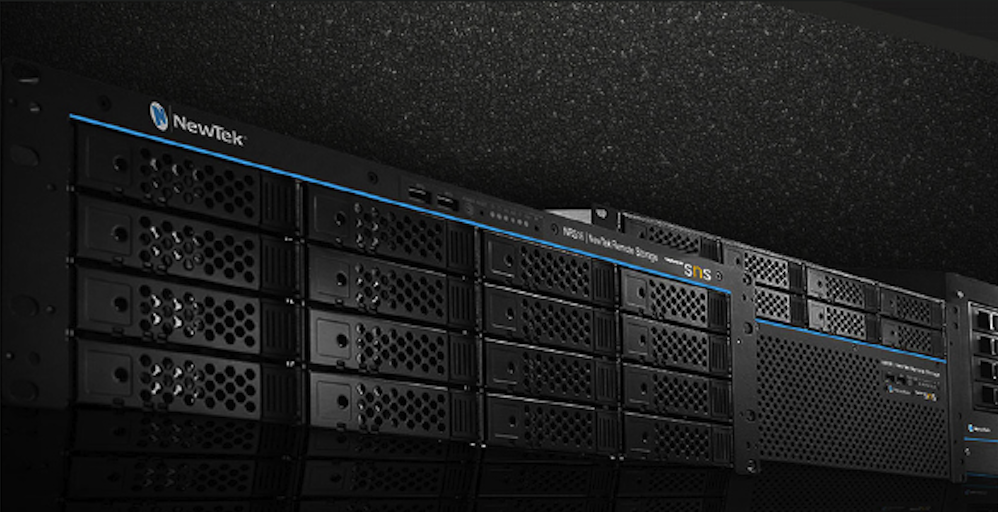
NewTek Remote Storage

Record to and store your video on high-performance media, powered by SNS.

In case you missed the previous episode of the Exertis Broadcast podcast on Choosing the right TriCaster for your needs – Watch it now!

Choosing a NewTek TriCaster

Choosing a NewTek TriCaster

NewTek TriCaster® | The Most Complete Video Production Systems on the Planet

NewTek logo

TRICASTER CHEAT SHEET
Click image to download slides PDF

TriCaster cheat sheet cvr

THERE IS A TRICASTER FOR EVERY PRODUCTION

Powerful and affordable tools. Help tell your story…beautifully. NewTek TriCaster systems put an entire suite of media production capabilities at your fingertips. You can make anything from keynote presentations and webcasts to online training and sporting events look amazing with quality, consistency and efficiency.

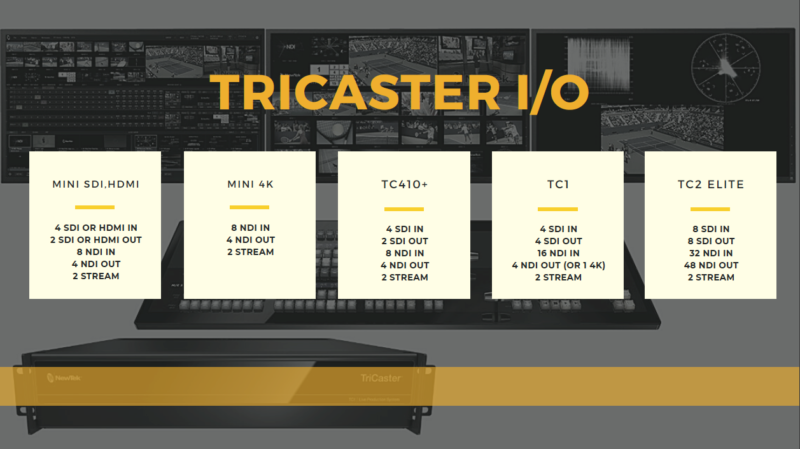
Which TriCaster is Right for You?

NewTek Solutions for State & Local Governments

NewTek Solutions for State & Local Governments

NewTek’s Solution for Streaming and Media Production Solve the Problems faced by State and Local Government Agencies.

Media outreach is essential for national agencies, state governments and local communities to earn the trust and support of constituents. Citizens are demanding to be informed, be heard and interact with officials now more than ever.

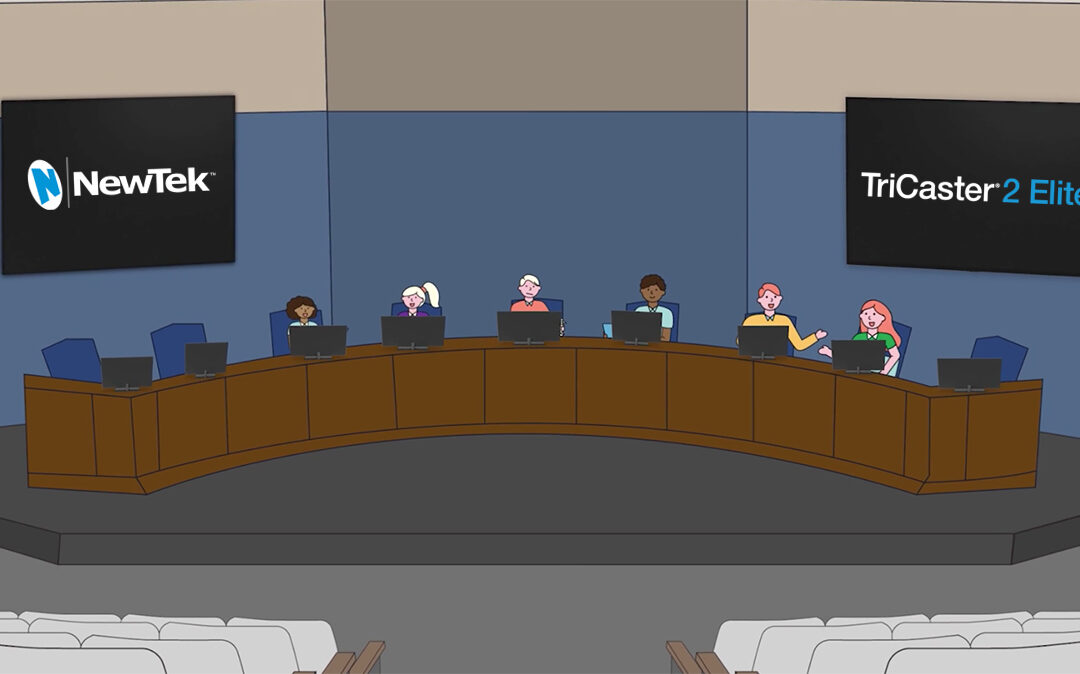
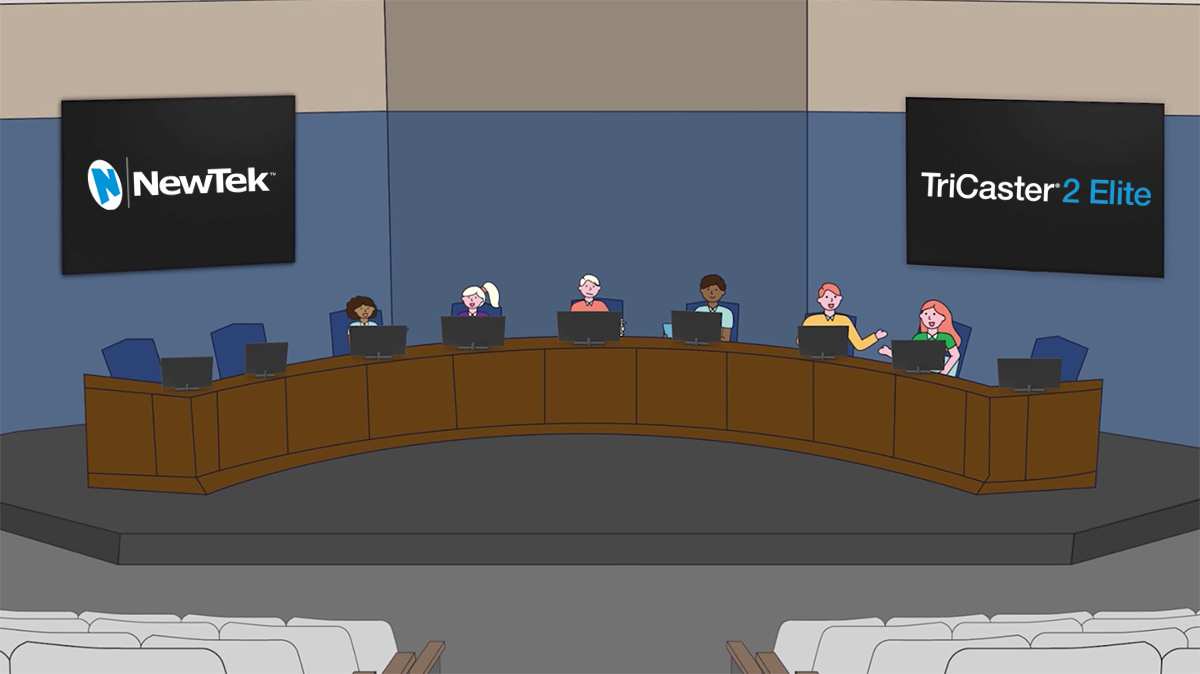
City Council characters NewTek TC 2 elite
NewTek logo

“NewTek’s video solutions provide the platform for the modern administration to perform civic duties and address the important issues, while maintaining fiscal responsibility.”

Solving the Video Streaming Conundrum for Civic Meetings

From City Council and School Board meetings to Public Utilities like water and power, all government organizations and agencies need to be seen and heard by the citizens in their communities. Public meetings must be televised, broadcasted, and streamed to achieve the compliance requirements for Local, State, and Federal regulations and guidelines.

The Problem

Emergency situations, such as the global pandemic, present a series of inconsistencies that must be addressed and transcended. But how to deal with a level of unpredictability that includes being short-staffed or having a remote workforce, as well as the need to access virtual commentators, or remote board members?

The Solution

NewTek TriCaster systems solve most of these pressing issues in making sure your meetings make it to your audience.

TriCaster MiniTriCaster for Every Production

Powerful and affordable tools. Help tell your story…beautifully. NewTek TriCaster systems put an entire suite of media production capabilities at your fingertips. You can make anything from keynote presentations and webcasts to online training and sporting events look amazing with quality, consistency and efficiency.

The Problem

How do you include both remote and local members in important meetings without having to adopt complicated software or additional hardware?

The Solution

If your staff and some of your board members, or even your audience has gone remote, you can use the features in NewTek’s integrated Live Call Connect to combine the power of Zoom and MS Teams with live video.

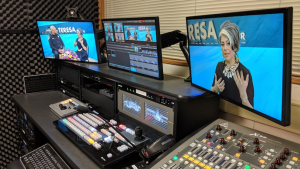
NewTek Live Call ConnectLive Call Connect* provides increased agility with seamless integration of multiple remote callers from popular video communication applications like Zoom, Skype TX, Microsoft® Teams, Discord, Slack and Tencent as unique video inputs.
*TriCaster 2 Elite systems only

The Problem

Don’t let old gear or complicated hardware get in the way of your organization’s message being heard or your video stream being watched.

The Solution

Today’s meetings are way more than just PowerPoint presentations. By using NewTek TriCaster systems, meeting hosts can mix remote video sources, manage local PTZ cameras, and share media such as presentations, maps, and web content. This enables your in-house audience and the remote audience, watching online, to stay informed and engaged so they are aware of the latest issues that matter most in their community.

Case Studies

Learn how these local communities used the TriCaster to upgrade their communications and stay on budget.

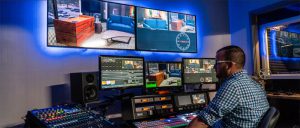
Napa Valley TV control roomCity Government Access Channel - tricaster

The Most Complete Video Production Systems on the Planet

NewTek TriCaster systems put an entire suite of media production capabilities at your fingertips. You can make anything from keynote presentations and webcasts to online training and sporting events look amazing with quality, consistency and efficiency.

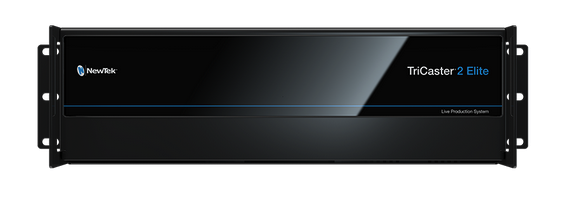
TriCaster 2 Elite

Click images & diagram to enlarge.

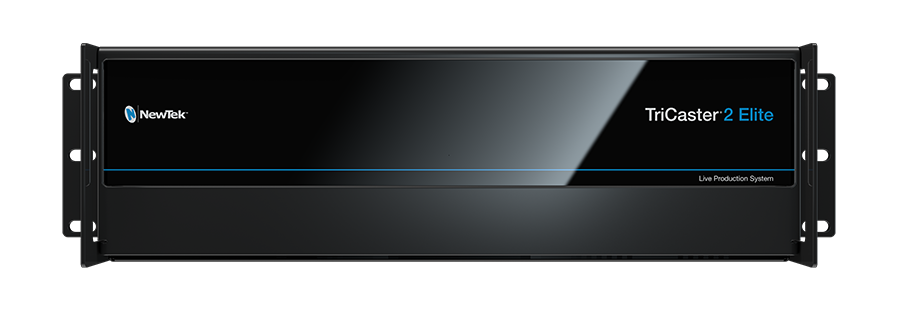
TC 2 Elite front 2
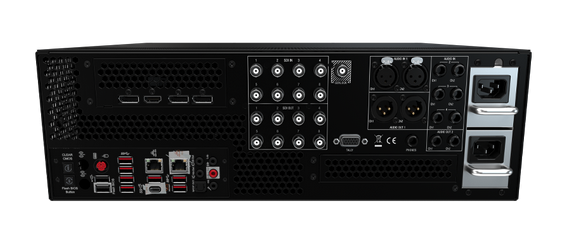
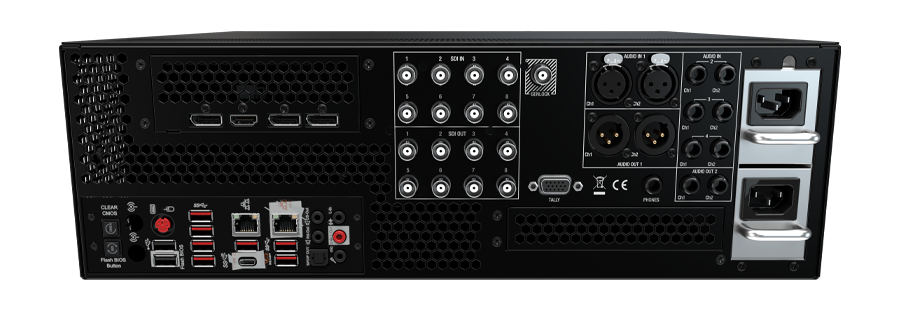
TC 2 Elite back 2
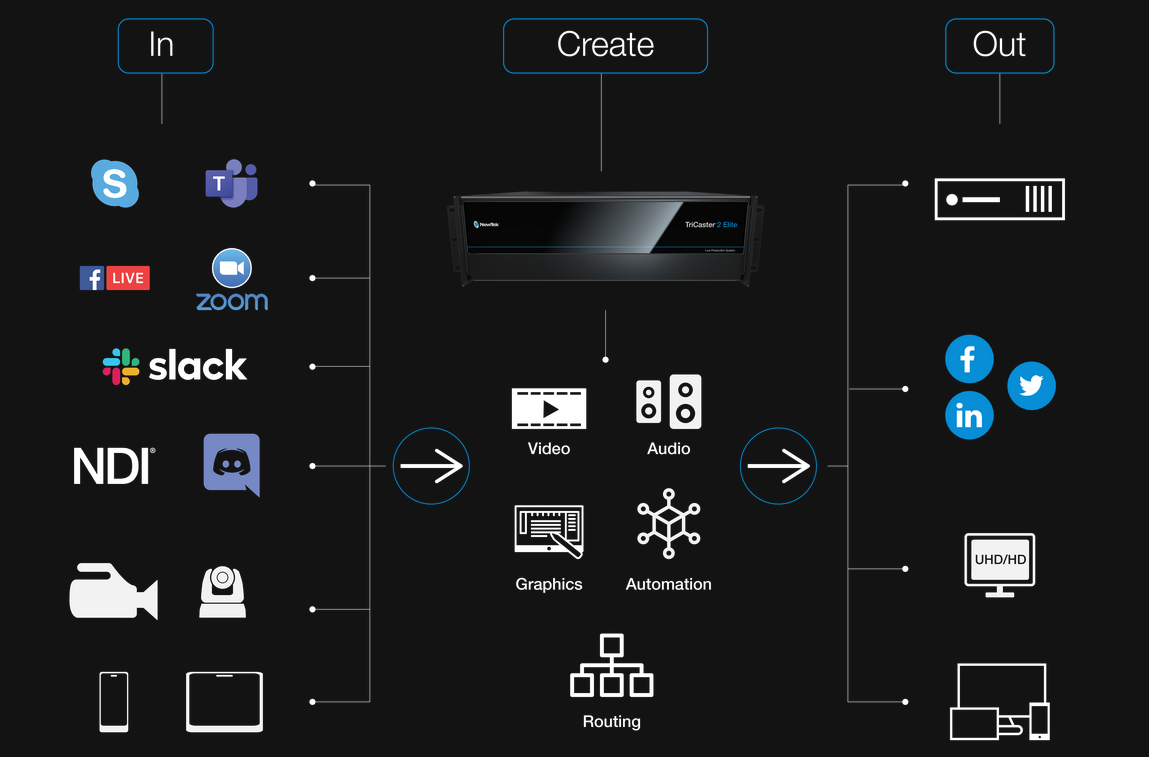
TC 2 Elite Workflow

The TriCaster 2 Elite is the most complete video production platform available today, and sets a new platinum standard for how much you can achieve with a single system.

Wondering how to choose the right TriCaster model?
Check out this video.

TC 2 Elite Workflow